Consumer data
Choose deletion or a sharing opt-out in the consumer portal.
Open this controlMarketing and advertising data broker · United States
Choose your privacy controls
Choose the Epsilon privacy action you need: deletion or an opt-out of data use and sharing. Browser advertising controls and email-advertising controls are separate.
Opens legal.epsilon.com in a new tab. Check the destination before entering personal information.
Research draft · Not end-to-end tested. Genuine entry screens are available below, not proof of completed removal. Review the evidence and limitations.
DeleteMe gives about 14 business days but also says 14 days. Its workflow differs from Epsilon’s current portal; this timing is provisional, not an official deadline. See sources.
This guide does not submit a request for you. Enter personal details only in the broker’s current privacy process; do not post them in a public support message. If the live form differs, pause and check its instructions.
Start with the outcome
Consumer-data requests, browser advertising and hashed-email advertising have different controls. Choose the outcome first.
Choose deletion or a sharing opt-out in the consumer portal.
Open this controlA browser-level preference is not a database-deletion receipt.
Open this controlUse the separate published control for hashed-email advertising.
Open this controlKeep this guide open while using the request page in another tab. Tick boxes are a reading aid only: they do not submit a request or verify removal. Progress resets when you leave or reload.
Decide whether you want deletion, a sharing opt-out, or both where available.
Select your country and follow the request choices displayed.
Follow current verification prompts; do not send an ID just because an older guide suggests it.
Epsilon’s policy describes an email confirmation link for deletion requests.
Use Epsilon’s published controls for browser identifiers or hashed-email advertising if those are also your concern.
Real page captures
These are genuine screenshots of the named official system. They document only the screens shown—not an end-to-end removal test. Live screens can change.
Captured · Entry screen only
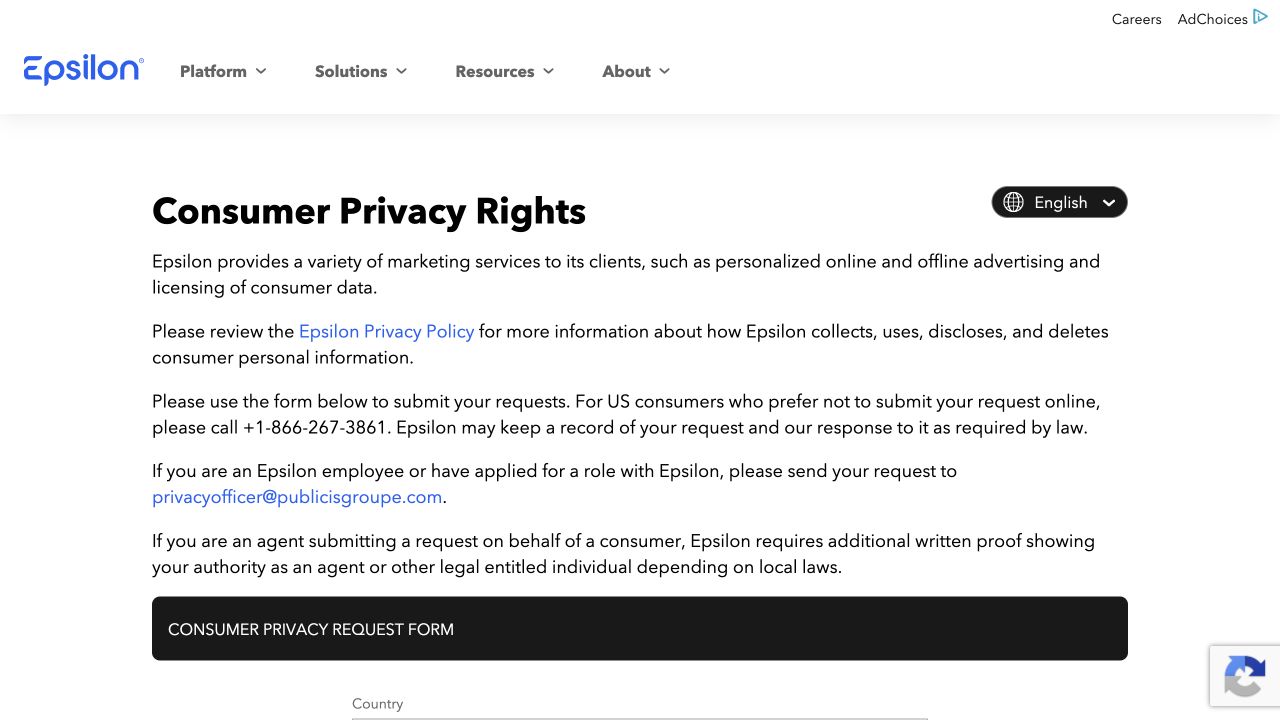
The live Epsilon portal introduces its privacy request form. This capture shows the entry page, not a completed deletion request.
Source: https://legal.epsilon.com/dsrSelect the image to view it at full size.
Captured · Request choices only
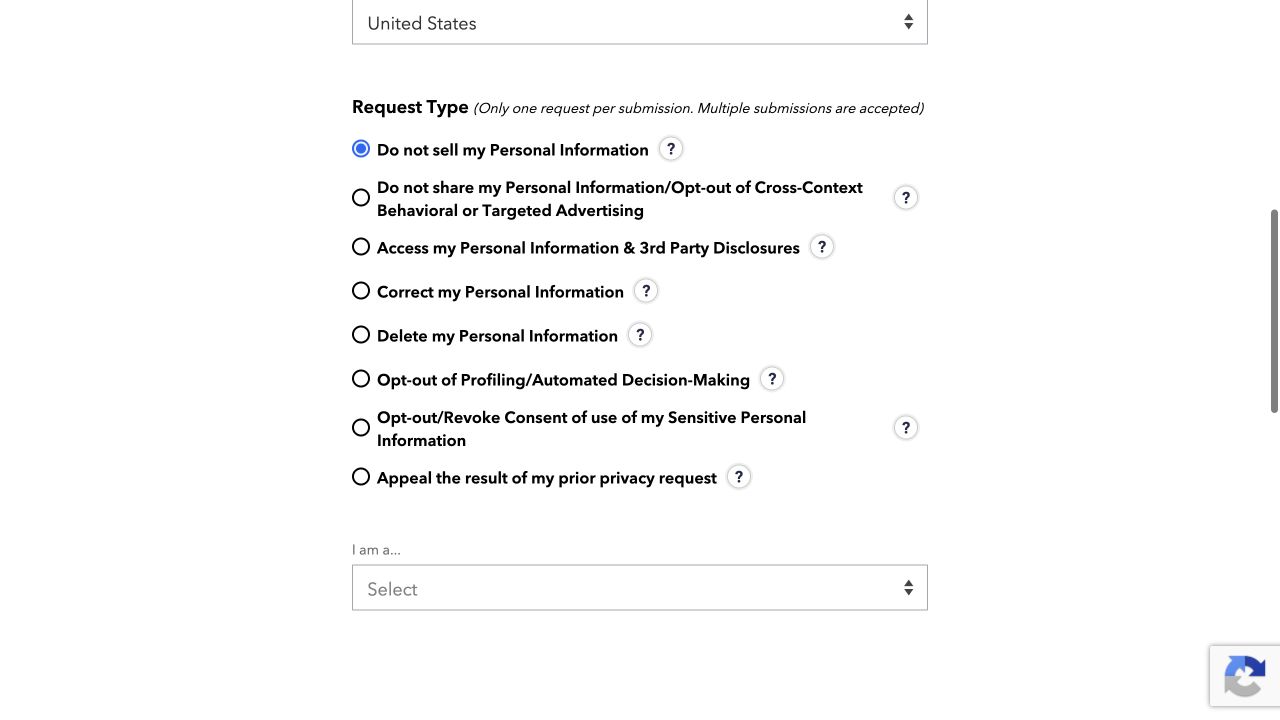
Selecting United States reveals separate request options. The page states that one request type is accepted per submission and multiple submissions are accepted. The selected radio button is the form’s default; nothing was submitted and no personal details were entered.
Source: https://legal.epsilon.com/dsrSelect the image to view it at full size.
Keep the exact request type, date, verification message and written outcome together. A marketing-data request may have no public profile URL to revisit. An advertising preference is not proof of database deletion.
Keep one log entry per request type. A browser-advertising opt-out should not be recorded as confirmation of consumer-database deletion.
Use the current portal’s verification requirements, not a blanket instruction to email identity documents.
Record the request type and identifiers for each choice. Keep deletion, consumer suppression, browser/device preferences and newsletter unsubscribe separate.
Use the request reference and written outcome as your evidence. A submission receipt is not the same as a completion response; ask which identifiers and action the outcome covers.
When following up, name the privacy action you selected and include the request reference. Do not treat an email unsubscribe or a browser preference as the outcome of a different deletion request.
Epsilon’s advertising instructions recommend handling each browser and device separately.
No. Epsilon provides a separate email-verification form for that advertising use.
Official portal, policy and advertising controls reviewed November 13, 2026; complete request testing pending. Competitor walkthroughs inform the instructions and estimates; they do not establish that NexSec tested the live form. An entry screenshot verifies only the screen shown, not later verification or removal.
Something changed? Report a broken step. General information, not legal advice.
Choose another site where you found a matching listing.
Browse all 53 guides →